





Case 01Multidisciplinary project · assistive technology (capstone, Etec Registro)
WACS
Wheelchair Automation Control System
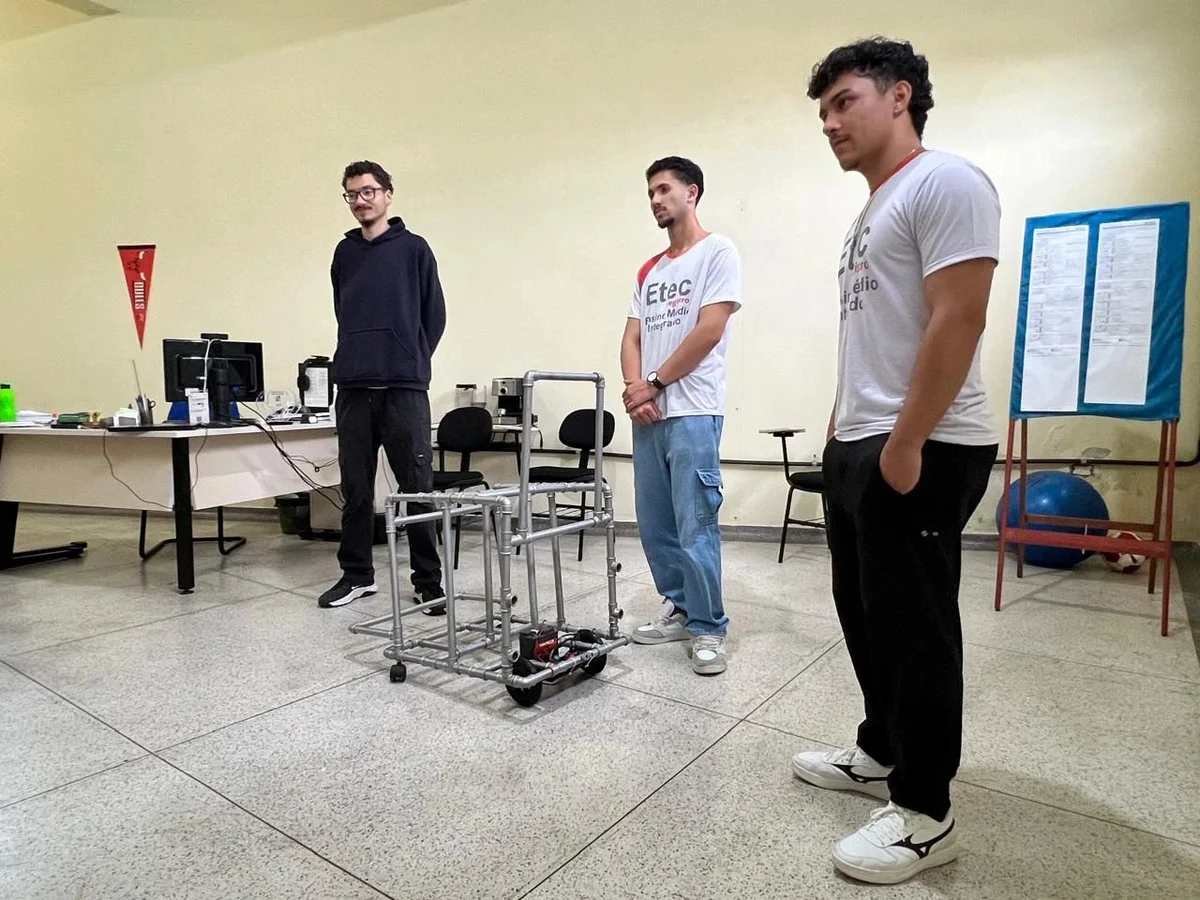
A low-cost automated wheelchair, built as a team: a control app and collaborative accessibility map, bench firmware with a sensor and serial protocol, and voice and vision experiments. Academic prototype.
Problem
Low-cost assisted mobility: an automated wheelchair accompanied by a control app and a collaborative map of accessible places, combining software, embedded electronics and a real need.
Context
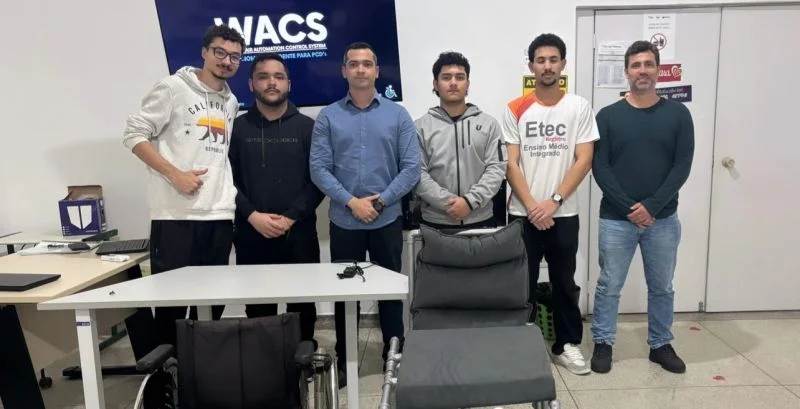
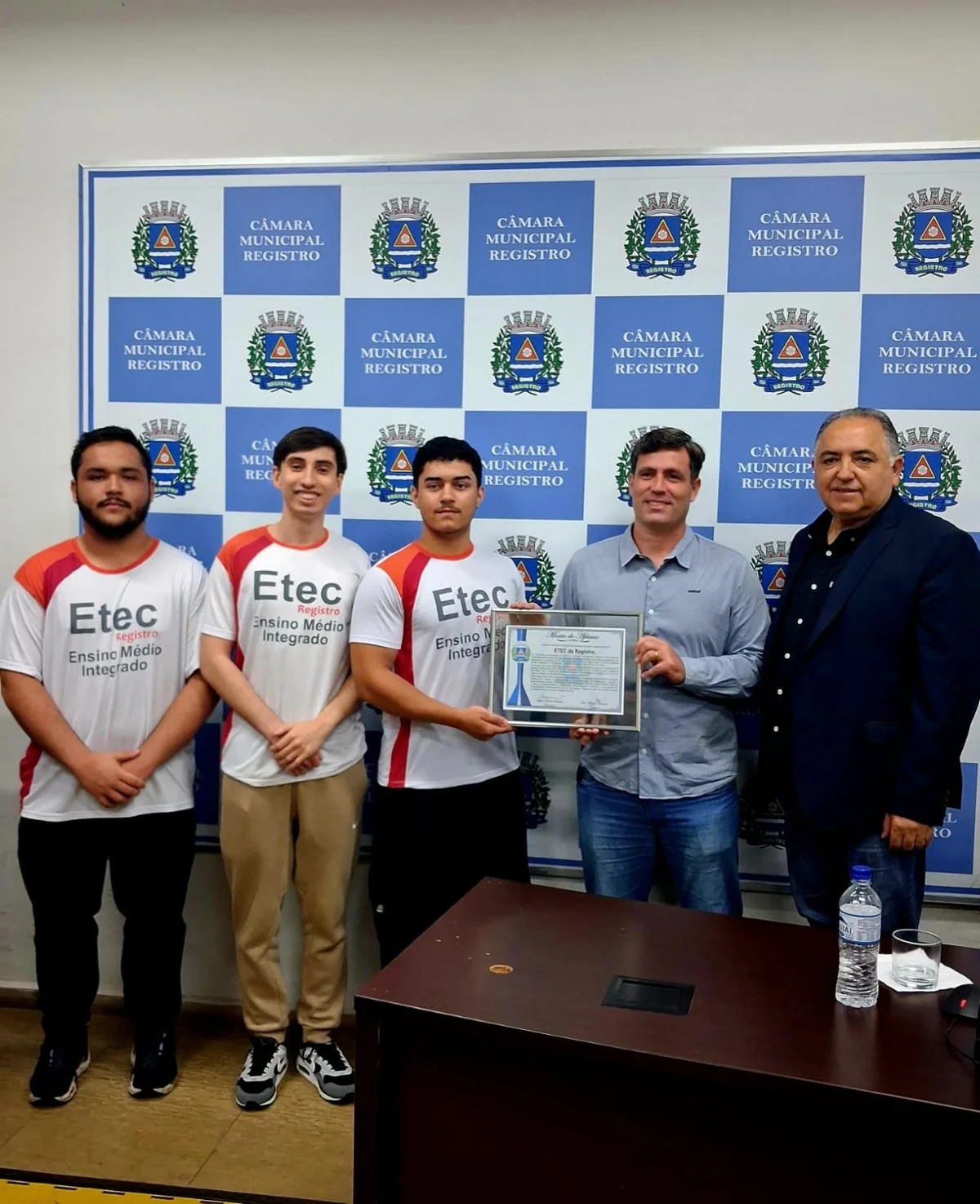
Interdisciplinary capstone at Etec Registro, built by a team of four students with an advisor. The app's README states that it is research and prototype software, not a medically certified mobility controller.
What was built
- React Native/Expo app: sign-in, sign-up and account recovery (Firebase Auth); profile and gamification; posts, comments and regional chat.
- Collaborative accessibility map with place search, routes, accessible places, ratings and contributions (Google Maps, Firestore).
- Control and Bluetooth connection screens with interface safety locks: joystick lock, confirmation on the emergency button, lock on release, and Indoor, Outdoor and Manual modes with a speed limit.
- A simulated Bluetooth mode that lets the interface be developed without the hardware.
- Parts of the capstone's community website and documentation. The site's authorship is predominantly another team member's.
How the components relate
Scroll horizontally to see the whole diagram.
- Implemented (code in the repository)
- Prototype or bench, no end-to-end test
- Not verified, sketch or outside the repositories (dashed arrow)
As text
- User → WACS app: operates the app
- WACS app → Firebase · Google Maps: authentication, map data and media
- WACS app → BluetoothContext (prototype): speed mode, lock and emergency (screen state only)
- BluetoothContext (prototype) → Bluetooth module (prototype): BLE write (the app) or fictional devices in simulated mode
- Bluetooth module (prototype) → Arduino Uno (prototype): serial; the bench sketch uses an HC-05 and compatibility with the app was not verified
- Sensors (prototype) → Arduino Uno (prototype): emergency stop in reverse under 30 cm or with a very low battery
- Arduino Uno (prototype) → H-bridge · motors (prototype): drives the left and right motors
- WACS app → Local serial server (not verified): speed limit over local HTTP (not verified)
- Local serial server (not verified) → Arduino Uno (prototype): serial port; no capstone sketch handles the speed command (not verified)
- User → ESP32 (prototype): voice command that triggers relays (not verified)
- Python AI (not verified) (No proven connection): image-based mapping and a voice assistant, with no proven integration with the wheelchair
Implemented, prototype and planned
Implemented
code in the repository
- Sign-in and account recovery, map with routes and ratings, posts and regional chat, profile (app code, not validated in the field)
- Control and Bluetooth connection screens with interface locks
- Speed-limit command (V) sent from the app side over local HTTP
- Bench firmware: H-bridge, ultrasound, reverse stop, battery monitor, buzzer, headlight and one-character serial protocol
Prototype
simulated or bench
- Simulated Bluetooth mode: fictional devices and battery; the official screenshot shows Simulated Mode Active
- Motor drive and Bluetooth commands in Tinkercad and bench sketches, with no documented physical test
- ESP32 voice command driving relays (54 lines) and a Python voice assistant, with no proven integration
Planned or not verified
only in documents, sketch or unproven
- Joystick direction and power: not sent (the joystick only limits speed)
- Emergency button: screen state only; no real contact and no stop sent to the hardware
- Accessibility-mapping AI: a sketch with no trained model; push notifications and AI navigation exist only in documents
- End-to-end integration between the app and the physical wheelchair, and real battery readings: not verified
Technical decisions
- Simulated Bluetooth mode
- When the native module is absent (for example in Expo Go), the app uses a simulated BLE manager. That allowed the interface to move forward without the wheelchair, at the cost of the screen having to make clear the mode is simulated.
- Environment-based configuration
- Firebase and Maps keys are read through app.config.js and expo-constants, with a check for missing variables at startup, instead of living in the code.
- Safety locks in the interface
- Joystick lock, confirmation on the emergency button, automatic lock on release, and accessibility labels on the emergency button.
- Emergency stop in the firmware (team work)
- The most complete Arduino sketch runs a startup self-test and stops reverse motion with an obstacle under 30 cm or a very low battery. Individual authorship of this code is not claimed here.
Difficulties
- Building the app without the wheelchair at hand: hence the simulated mode, which also prevents claiming that the hardware connection was validated.
- App technical debt: duplicated structures (context and contexts, two Firebase configs), unused dependencies (Redux, socket.io-client) and an architecture document that describes more than exists.
- Integrating components built by different people at different stages: the app sends the speed limit over local HTTP while the sketch uses one-character serial, and those paths do not meet in the repositories.
How it was verified
- No automated tests in either repository (only a generic testing guide).
- The app was checked through the interface in simulated mode and by code inspection.
- The project page at FETEPS describes a working prototype validated in a real environment; the repositories contain no photos, videos or measurements of the physical wheelchair to support that.
Demonstrable result
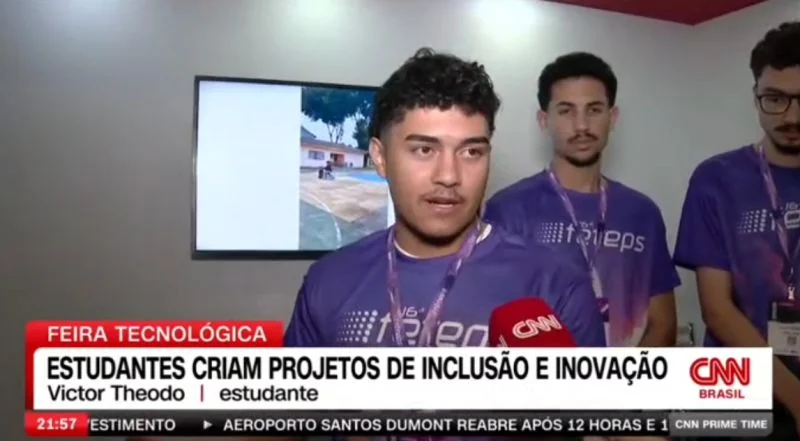
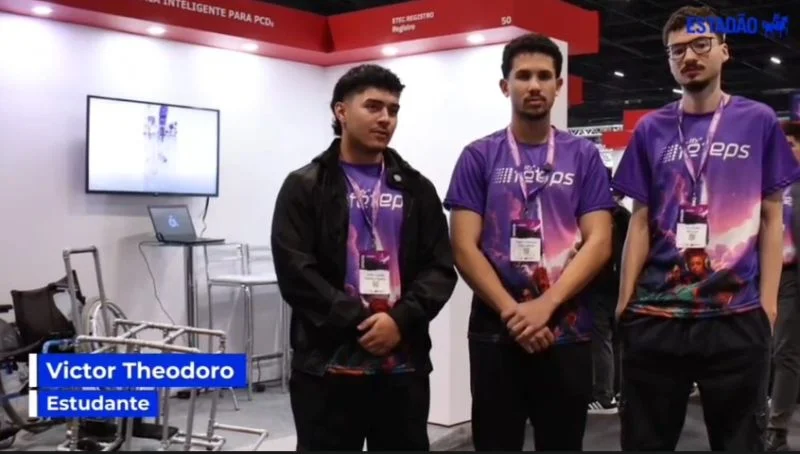
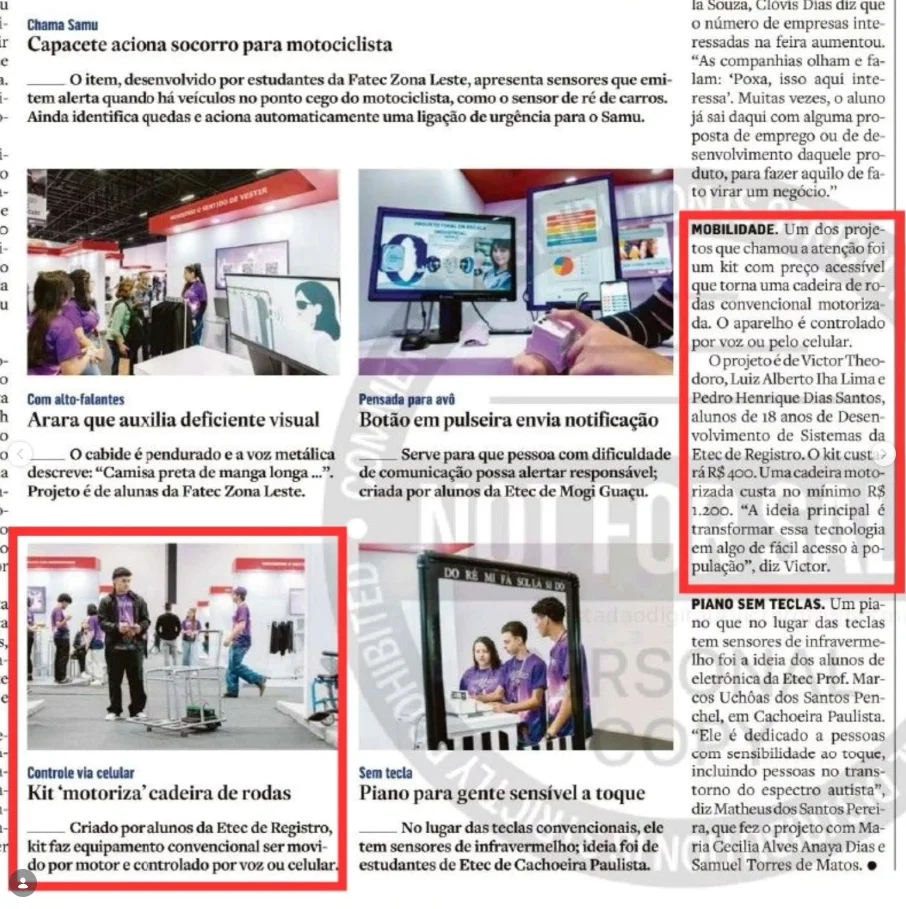
App and capstone material published in open repositories; project presented at the 16th FETEPS (7th place, per Etec Registro) and covered by Centro Paula Souza.
Limitations
- Academic prototype, not validated as a medical device.
- End-to-end integration between the app and the wheelchair is not verified; the local serial server is outside the repositories; compatibility between the app's BLE and the sketch's HC-05 is not confirmed.
- No automated tests; sketches duplicated per iteration, with no single firmware.
- Team work: the repository cannot attribute the hardware, firmware or AI to Victor.